Record your webinar once.
It runs every day after that.
You are not in the room. You do not need to be.
 One morning
 Every day after
Three ways to run a webinar without being there.
Sessions are computed from a rule, not stored in a calendar you have to maintain. Change the rule today and tomorrow’s registrants get the new one. Nothing to re-create, nothing to go stale.
Just-in-Time
The next session is always minutes away. Someone lands at 2:14 and registers; the room opens at 2:20 and they are still on the page when it does. No calendar, no waiting three days, no chance to forget. The urgency of live, without a live date.
Recurring
Tuesdays and Thursdays, nine to five, in the timezone you pin. Attendees see it in theirs. Add blackout dates for the fortnight you are away and those sessions simply do not appear. Set it in an afternoon; it runs for a year.
A fixed date
For a launch, a cohort open, a one-off. One session at one moment, with every automation, reminder, replay, and follow-up behaving exactly as it does for the other two. Same engine, narrower window.
Eighteen things an attendee can do. Every one of them can start an automation.
Most webinar software gives you two: they registered, and they attended. Here is the full list you can actually write a rule against.
- 01They registered
- 02They joined
- 03They left early
- 04They never showed up
- 05They watched nine minutes
- 06They passed 62% watched
- 07They finished the video
- 08They finished it live
- 09They started the replay
- 10They finished the replay
- 11They clicked the offer
- 12They answered a poll
- 13They hit the twelve-minute mark
- 14Thirty minutes before the session
- 15Two hours after the session
- 16They took the beginner branch
- 17They finished a segment
- 18They replied in chat
Narrow it, then act on it
Attach conditions to any trigger and the rule only fires for the people who match — watched at or above three-quarters, answered the budget poll with the high option, took the branch you care about. Then choose what happens:
- Send an email, with personalisation tokens and an optional calendar invite
- Send a text message
- POST a signed webhook to anything you run
- Tag or subscribe them in Kit, ActiveCampaign, Mailchimp, or MailerLite
Add a delay in minutes if it should land later. Then stop thinking about it.
It has to fire, and it has to fire once
An automation you cannot trust is worse than no automation, because you stop checking and it keeps being wrong. So every rule runs on a durable job queue with automatic retries, full execution history, and the ability to replay a run to see exactly what it did.
Duplicate sends are blocked in the database, not in application code that a race condition can slip past: every execution is written against a unique key of the rule, the attendee, and the session. A retry that runs the same rule for the same person on the same session cannot send a second email. It is not a policy — the constraint refuses the write.
What one automated webinar does between the time you close your laptop and the time you open it again.
This is the whole job, start to finish. Read it and you will know exactly what you are buying.
- 01
They register — on your page or someone else’s
Use the hosted registration page, or drop the embeddable widget onto a landing page you already have. UTM parameters are captured with the registration, so you know which ad, post, or partner sent them. Everyone gets a unique access link — a seat, not a shared URL.
- 02
They get reminded, without you writing the reminder twice
Send one email the day before, another fifteen minutes before, and attach an RFC-5545 calendar invite so the session lands in their calendar app. Transactional mail goes out through Postmark. Set the schedule once and it applies to every session the rule ever produces.
- 03
The room opens on time. You do not have to be in it.
Your video plays from YouTube, Vimeo, or hosted with us on our CDN. Polls, quizzes, and your offer appear at the timestamps you set. The countdown, the join flow, and the "we’re live" state all run themselves.
- 04
A real person can still answer a real question
Attendee questions arrive in a Slack channel your team already sits in. They reply in the thread; the attendee sees the answer in the room. Pre-recorded video, live human support — no second dashboard for anyone to learn. Available on Growth and above.
- 05
The replay publishes itself
The moment the session ends, or after a delay you choose. Set how many days it stays up, and where latecomers get redirected once it expires. Replay watching is tracked separately from live watching, so your follow-up can tell the difference.
- 06
The follow-up sends itself, and it is not the same email for everyone
Buyers get one sequence. No-shows get another. The person who left at minute twelve gets a third that picks up where they stopped. Every message is a rule you wrote once, firing against behaviour the platform already recorded.
- 07
The money gets attributed to the webinar that earned it
Connect Stripe and every purchase ties itself back to the attendee who made it, the webinar they watched, and the offer that converted them. Refunds and chargebacks net out on their own. Return per webinar stops being a spreadsheet exercise.
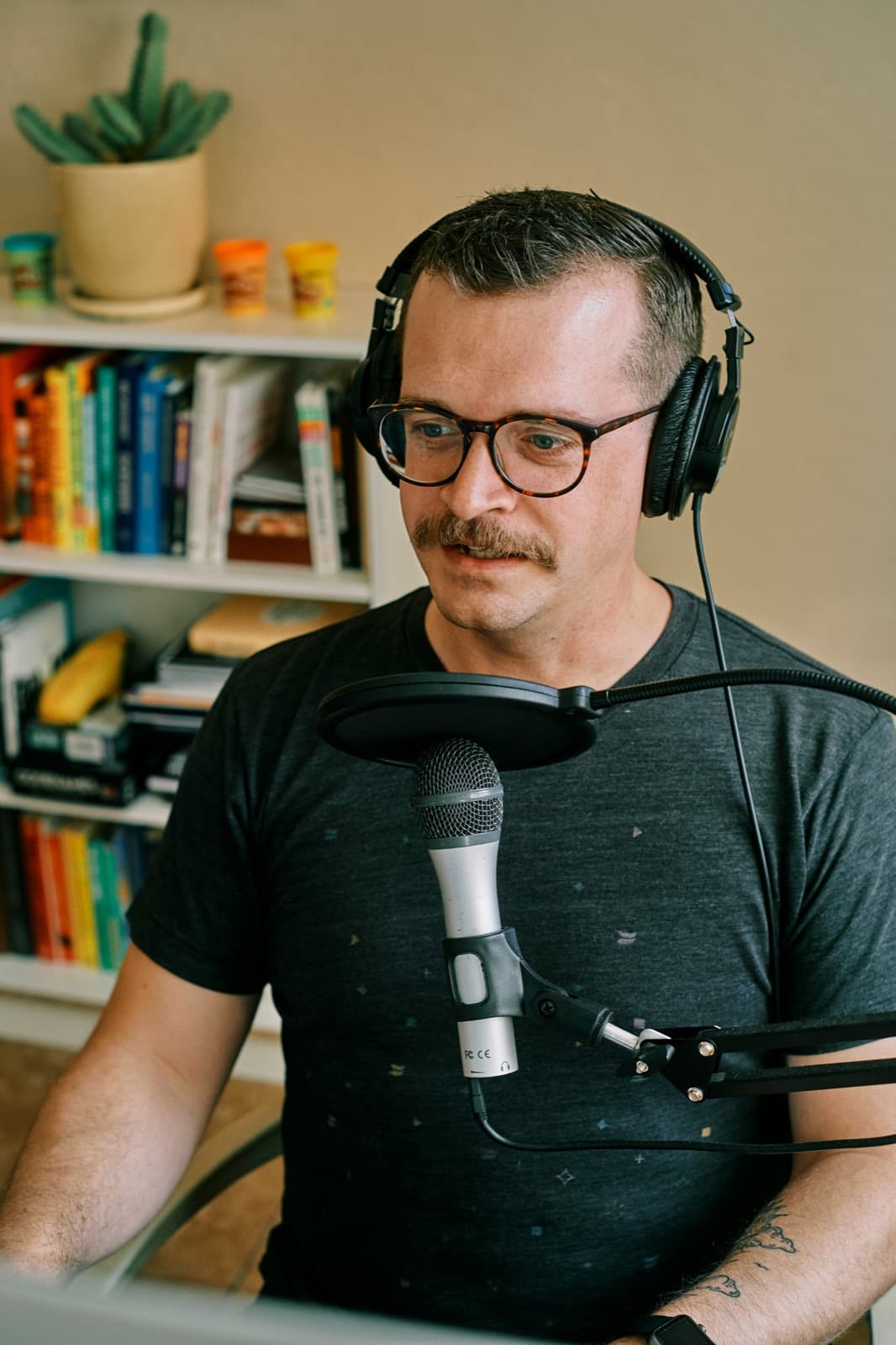
The same webinar can pitch a different offer to a different person.
Adaptive Webinar™ by WebinarStack
Adaptive Webinar™ is WebinarStack’s audience-responsive webinar system. A poll mid-session stops being a survey and becomes a routing decision: the viewer who picks “ready to invest” is sent down one branch to one offer, and the viewer who picks “just exploring” is sent down another. It is available on Growth and above, and everything on the rest of this page works without it.
See how Adaptive Webinar™ worksThe parts you only notice when they are missing.
Everything a serious webinar platform owes you, engineered to stay out of the way.
Watch-time analytics
Per-second engagement curves and drop-off heatmaps. The numbers that tell you which ninety seconds of your webinar are doing the selling — and which four minutes are losing the room.
Signed webhooks
Every trigger can POST to your own endpoint with a per-rule signing secret. Deliveries are logged, retried, and idempotent, so your CRM never processes the same attendee twice.
A REST API for all of it
Webinars, schedules, registrations, automations, branches, webhooks. Versioned, documented, and the same API our own dashboard runs on. Your stack does not have to bend around ours.
A native MCP server
Point Claude, ChatGPT, or Cursor at your account and operate the webinar in plain English. Add an automation, pull last week’s numbers, re-route an attendee. No bridge code, no glue scripts.
Isolation enforced by the database
Postgres Row Level Security on every table carrying customer data. Your registrations, events, and revenue never cross paths with another account’s — enforced a layer below the application, where a bug in our code cannot reach it.
Polls, quizzes, and offers on a timeline
Place an interaction at 04:12 and it appears at 04:12 — live and on the replay, or on just one of them. This is also the data the automation engine reads when it decides what to send.
Most platforms call a recording on a timer “automated”.
Playing a video on a schedule is the easy half. The half that earns the money is what happens in the hours and days afterwards, to each person, based on what they actually did.
- A video plays on a timer
- Two signals to automate on: registered, attended
- One follow-up email to everyone who was there
- Sessions you re-create by hand every month
- Revenue you reconcile in a spreadsheet
- A video plays, and the platform watches how it is watched
- Eighteen signals, each with conditions and delays
- A different follow-up for buyers, leavers, and no-shows
- Sessions computed from a rule you set once
- Revenue attributed to the webinar that earned it
One plan runs unlimited webinars.
You are billed on the attendees you actually reach, not on how many webinars you build. Record a second one, and a third, at no extra subscription cost.
See the plansGive the presentation once.
Then let it run — Tuesday, Thursday, at two in the morning, on a public holiday, while you are on a plane with the wifi off. It registers them, reminds them, presents to them, and follows up with them. Start free.